Lately I have been experiencing an issue where a project appears to save correctly, but the changes are not actually saved (this only happens sometimes).
When I click Save or use Ctrl+S, the application indicates that the file has been saved successfully. However, when I reopen the project later, my recent changes are missing. As a result, I have lost valuable work multiple times.
Could you please advise what might be causing this behavior?
Hi,
Thanks for the responed.
I have permissions
I was working at 6pm and saved, and the last backup was created at 3pm, so I lost everythong in between.
I am using windows 11
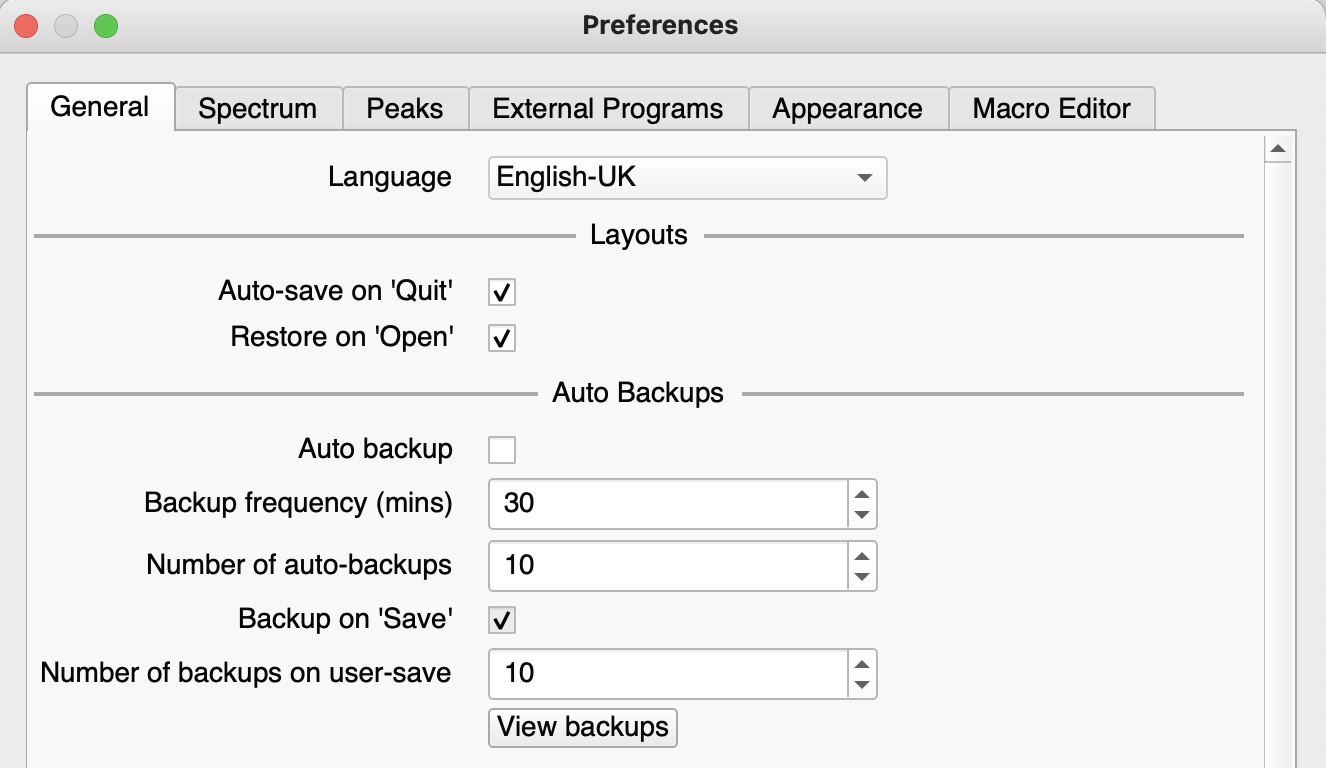
You can adjust the frequency of the Auto Backups in preferences (top menu > File > Preferences…). You can also make a manual backup (top menu > File > Manual Backup, shortcut: mb)
Thank you
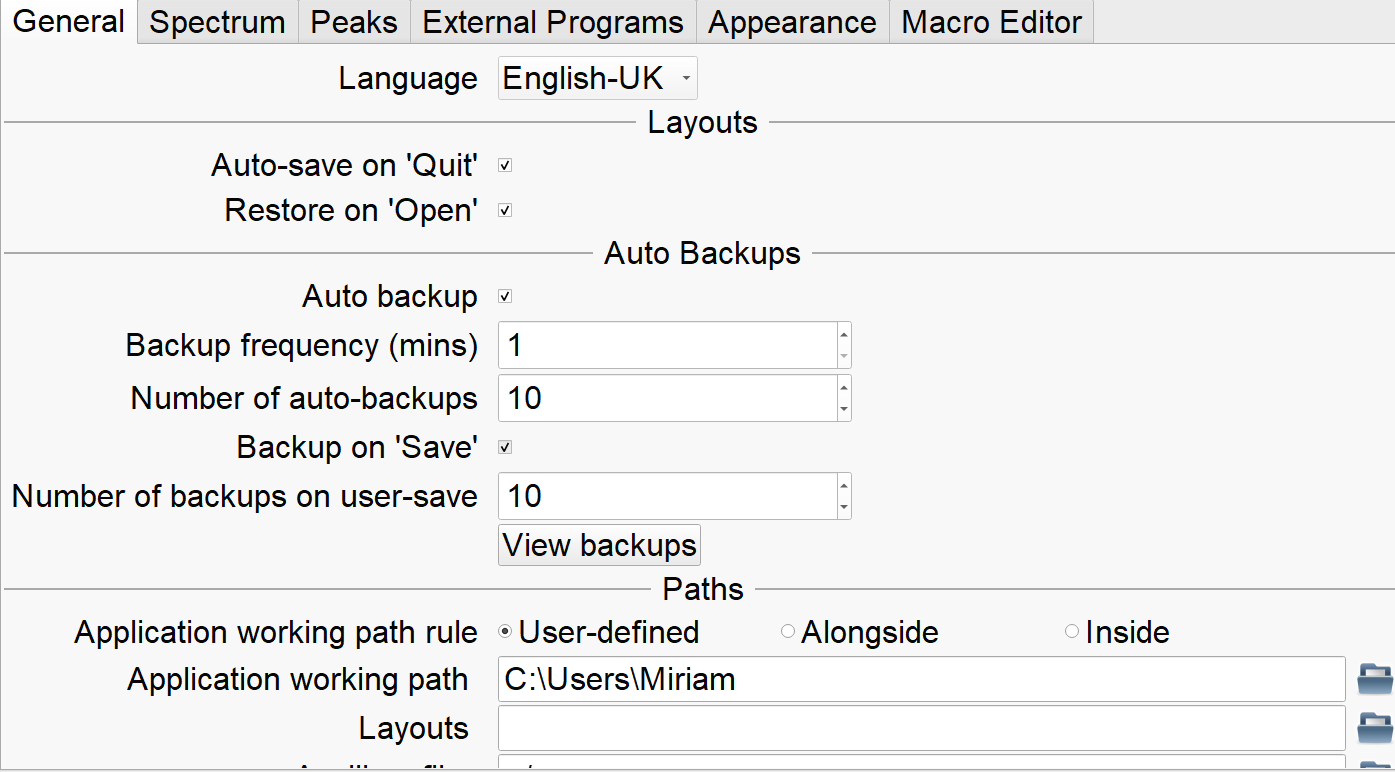
Those are my settings.
I also tried restoring the project using the manual backup procedure. However, when I followed the instructions here:
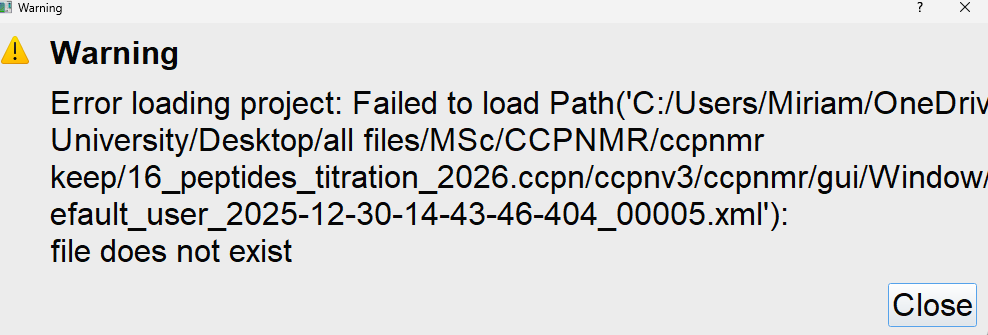
and attempted to open the restored project, I encountered the following error.
I can see that a backup folder was created with the correct timestamp, but restoring from it still fails. Even when I use Save As and give the project a different name, it still does not work.
Do you have any suggestions on what else I could try to resolve this?
We strongly advise against using cloud drives such as OneDrive as the location for your .ccpn folder because bitter experience of many users has shown that authentication and synchronization issues that are beyond the control of our software can cause problems.
Try saving to a folder on your local storage that is not managed by OneDrive and see if that solves the problem. You can always copy archives of your project to the cloud regularly to keep a “safe” copy.
I’m guessing that there is some specific problem with your project that the team will need to look into to get to the bottom of. Please zip your .ccpn folder and send it to support@ccpn.ac.uk or via a file transfer service.
Meanwhile, check whether you can make a new project, save it and re-open it.
Keep an eye on the terminal that pops up when you start the software and see if there are any traceback or error messages there.
Thanks for sending your project. It seems to start out as being read-only, but even after turning it back to being writable, it looks like it isn’t saving correctly. So this may be a problem with the way we deal with locking/unlocking a project. We’ll investigate and get back to you!
It turns out that this was a permissions issue. For some reason the project directory and all its sub-directories didn’t have any write permission and the program was not able to override this. But once I set the permissions manually, I was able to open the project and save it normally. I’ve sent you a working version of the project with which you should be able to continue your work.
Dear all,
it happens to me, too. I am also using Win11.
The project is saved on the pc, I save continuously, but the whole yesterday session, for example, was not saved. The logs demonstrate that I have been working on it, but the changes on the project were not saved. I have been saving manually many times over the day, and even started a manual backup…but none of those was saved, not even in the backup folder.
I would really appreciate any suggestion!
Many thanks,
Francesca
Thanks for raising this, Francesca.
After various discussions by email it looks like this was probably an issue due to not using the latest Windows 11 download. But if you or anyone else encounters similar problems again, then do please let us know!